Make a button that dodges the pointer
Build a small browser game with a button that moves when the mouse reaches it.
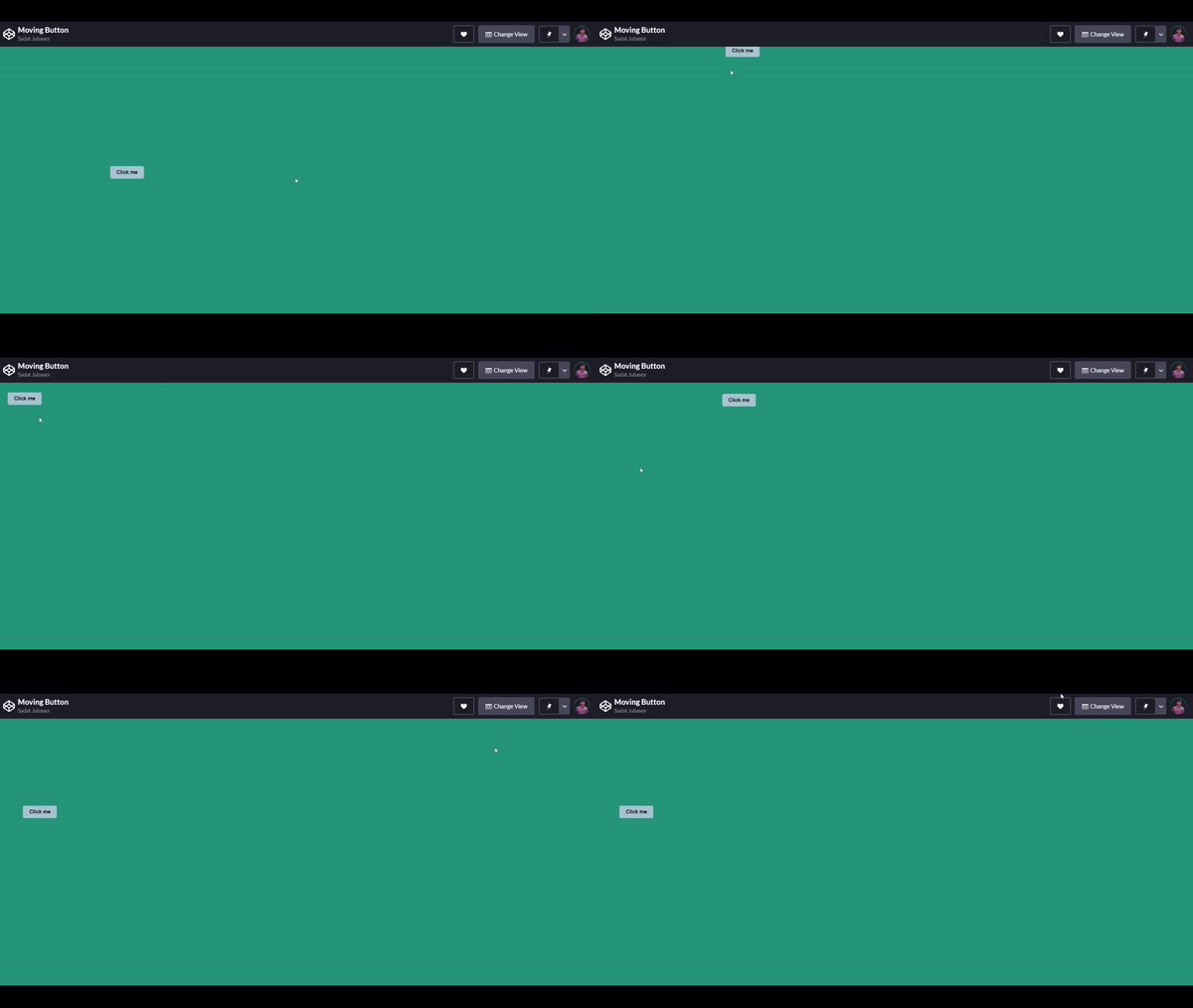
Move the mouse over the button and it jumps to another spot. Click it or press Enter while it has focus to win.
Add the button
Start with <!doctype html> and add the button. Load the script with defer or place it after the button.
<button type="button">
  Click me
</button>
Start in the center
Set top and left to 50% to place the button’s top-left corner in the center. Translate it back by half its own width and height.
body {
  margin: 0;
  padding: 0;
  background: #1B8A77;
  min-height: 100vh;
}

button {
  background: #A3C3D0;
  border: none;
  padding: .5rem 1rem;
  border-radius: 4px;
  color: #060607;
  font-weight: bold;
  position: fixed;
  left: 50%;
  top: 50%;
  transform: translate(-50%, -50%);
}
Move the button on hover
Listen for pointerenter and move the button only for a mouse. Use the viewport and button dimensions to keep the whole button on screen.
const button = document.querySelector('button')
const reducedMotion = matchMedia('(prefers-reduced-motion: reduce)')

button.addEventListener('pointerenter', (event) => {
  if (event.pointerType !== 'mouse' || reducedMotion.matches || button === document.activeElement) return

  const { clientWidth, clientHeight } = document.documentElement
  const { width, height } = button.getBoundingClientRect()
  button.style.transform = 'none'
  button.style.left = `${Math.random() * Math.max(0, clientWidth - width)}px`
  button.style.top = `${Math.random() * Math.max(0, clientHeight - height)}px`
})

button.addEventListener('click', () => alert('You did it!'))Try Tab and Enter, or tap on a touch screen. The button stays put in both cases.