Markdown basics for plain-text files
Use Markdown to write headings, emphasis, lists, links, images and code blocks in a plain-text file.
Write Markdown in a plain-text file such as README.md. Preview it in your editor to see how the punctuation turns into headings, lists and other formatting. The examples use CommonMark. Tables are an extension in formats such as GitHub Flavored Markdown.
Headings
Put one to six # characters and a space before the heading text. The number selects the heading level.
# This is heading one

## This is heading two

### This is heading three

#### This is heading four

##### This is heading five

###### This is heading six
Text formatting
Surround text with two asterisks for bold or one underscore for emphasis. Start a quotation with >.
**This is bold text**

_This is italic text_

_This is **bold** and italic combined_

> This is a blockquote
Working with lists
Start a bullet with a hyphen and an ordered item with a number and a period. Align nested items under the parent item’s text.
Unordered List

-   Item 1
-   Item 2
    -   Item 2a
    -   Item 2b

Ordered List

1. Item 1
2. Item 2
3. Item 3
   - Item 3a
   - Item 3b
Links and images
Put link text in brackets and the destination in parentheses. For an image, add ! before the brackets and put the alt text inside them.

[Writing](/writing)Code blocks
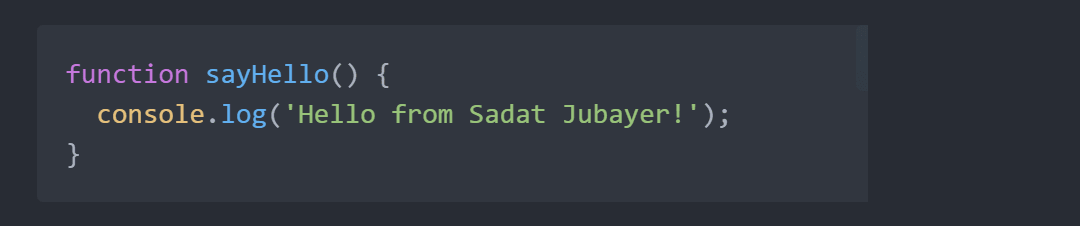
Fence the code with three backticks on a line before and after it. Add a language after the opening fence for syntax highlighting in renderers that support it.
```javascript
function sayHello() {
    console.log('Hello from Sadat Jubayer!');
}
```